

Save-the-Date Video Maker: One Photo Becomes an Animated Save-the-Date
Turn a favorite photo of you two into a short animated save-the-date video with your names and date — made to be sent, posted, and replayed.
Pick one favorite photo of the two of you and the WedGenie studio turns it into a short animated save-the-date, closing on your names and date set in real typography. Set that closing card right here, free and without an account, and see the frame your photo lands in before you spend anything. The film itself is made in the chat — and if you need the perfect photo first, the engagement photo studio is one message away.
This card is the real one: the same typography the finished film ends on, set in real typefaces rather than drawn by a video model. The moving part is what costs credits — 6 credits per scene, and films are not part of the free trial. The Genie takes it from here with your wording already set.
Make the film with the Genie →How to use the Save-the-Date Video Maker
Write the end card here
Your names and the date, set in the real typefaces the film ends on. Free, on this page, no account — and you can drop a photo in to see the frame it lands in.
Pick the photo
A real favorite, or generate one first with the AI engagement photo studio.
Hand it to the Genie
Your wording carries over into the chat, where the studio animates the photo and assembles the film.
Share it everywhere
Download the clip and send it to the group chat, the feed, and the wedding website.
Two photos in, one film out
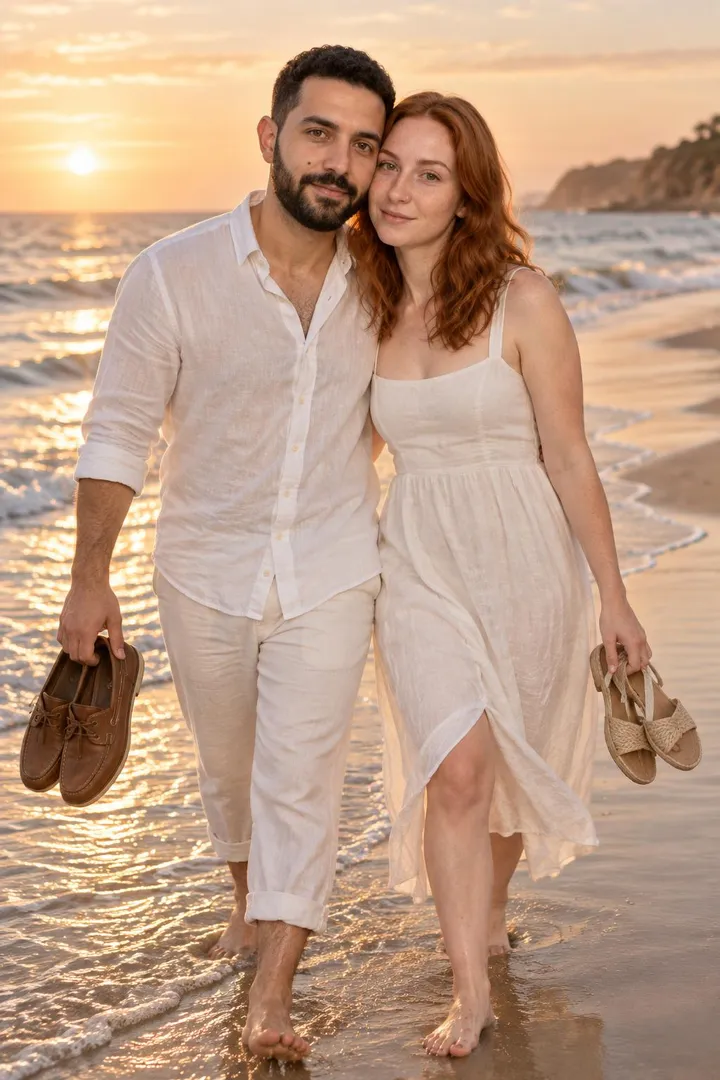
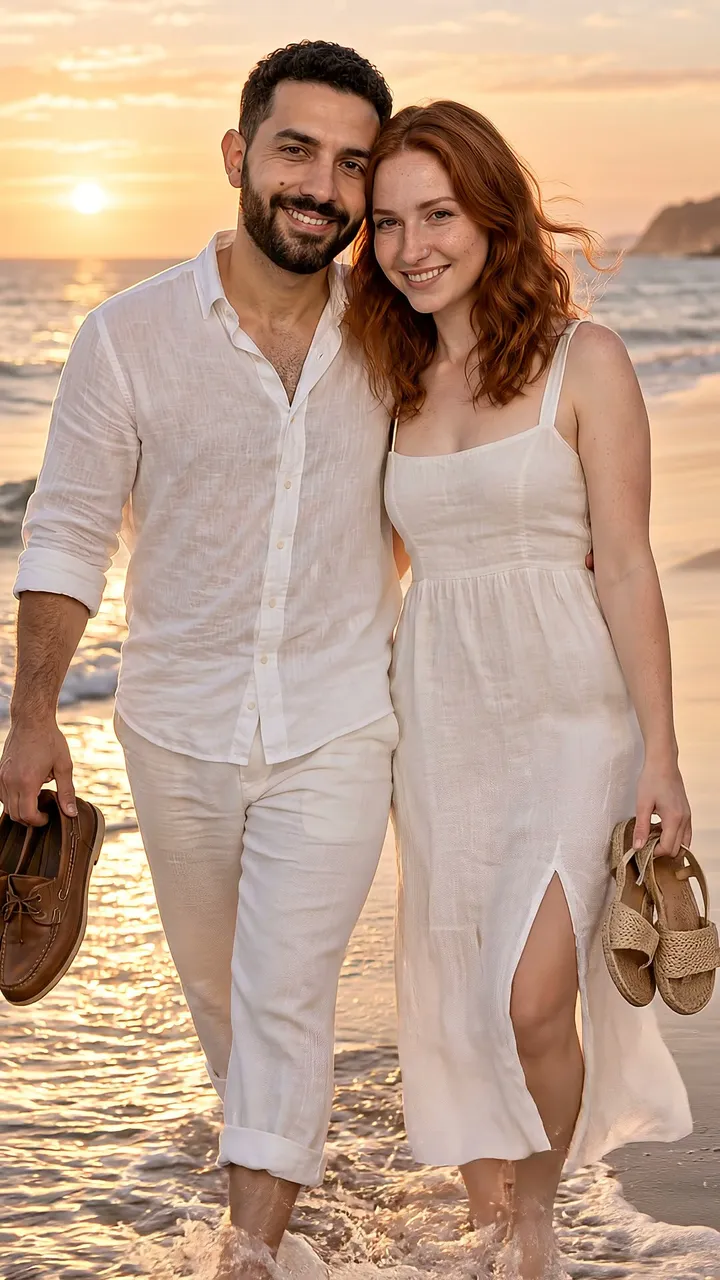
Made with this exact pipeline: two AI photos of the same couple — beach at golden hour, city at blue hour — animated scene by scene and closed with a real-typography end-card. Yours starts from your own photos instead.
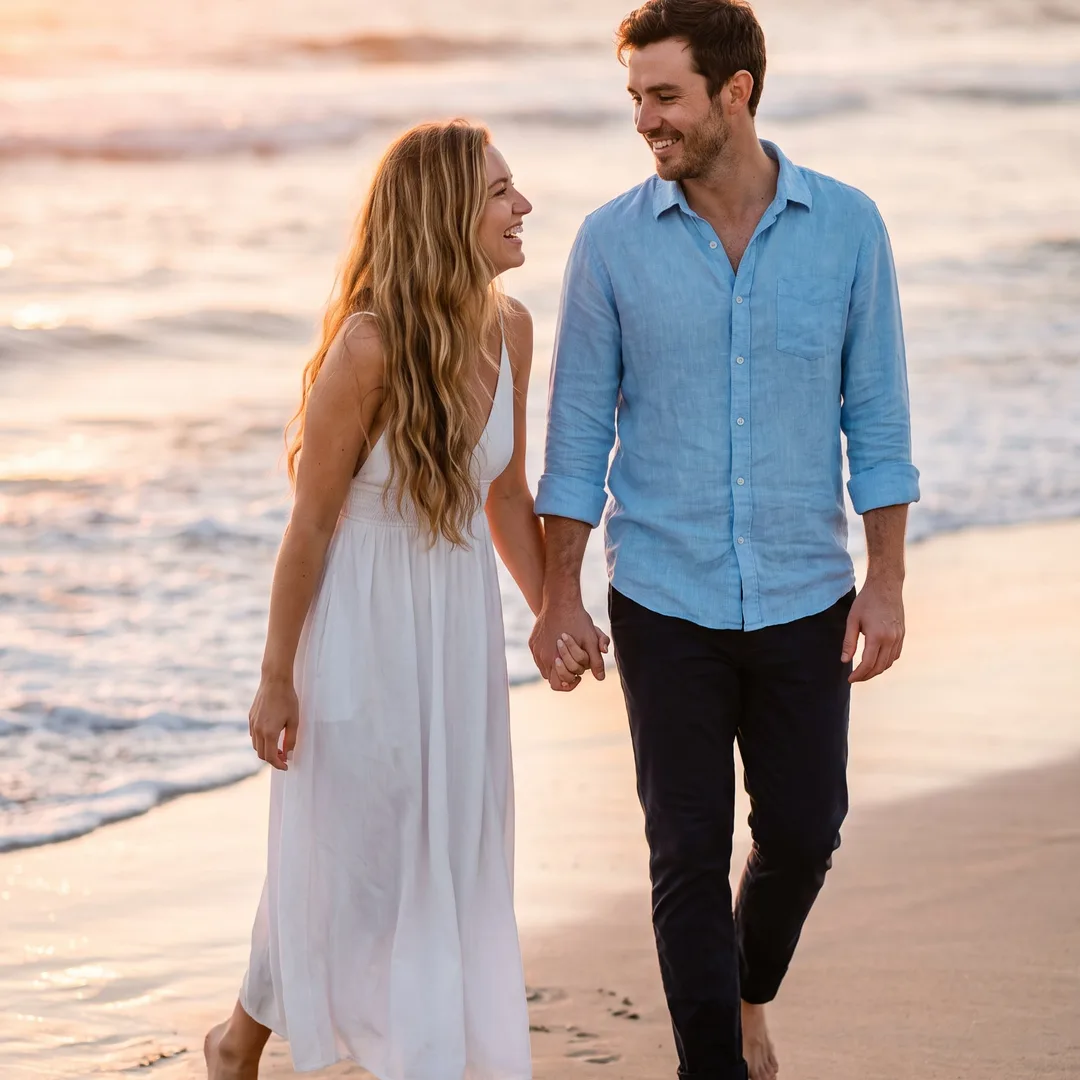 Photo 1
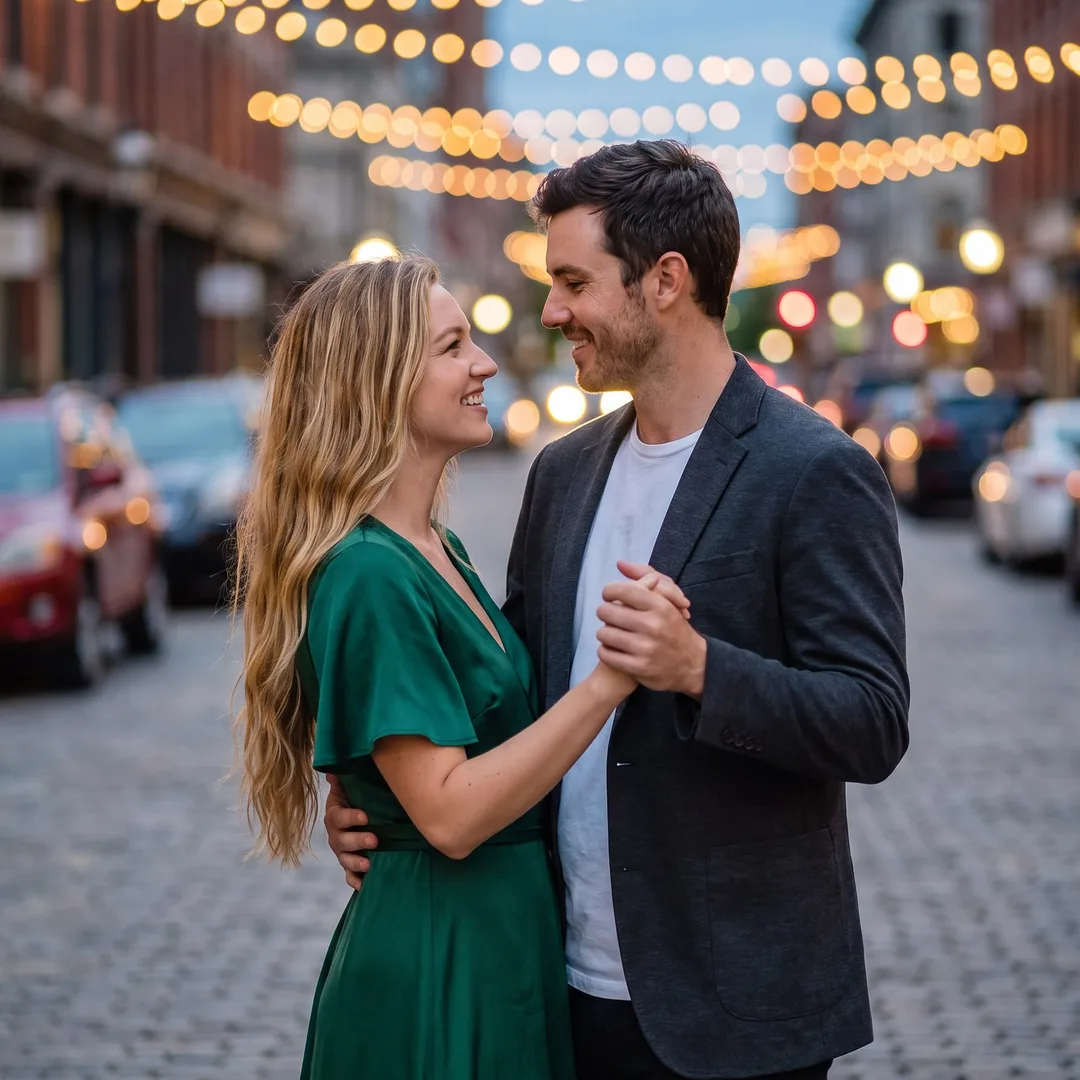 Photo 2
From one photo: how the film is made
The mechanic a template cannot offer. No stock shapes around your photo; the photo is the film.
- You pick one photo. A real favorite, or one made on the AI couple photo page or the engagement photo studio. The studio crops it to the vertical 9:16 film frame, faces kept large.
- The scene comes to life. The video model animates what is around and on you: hair and fabric in a breeze, waves, rain, string lights, a slow push-in. The instruction it gets is strict: the two of you stay exactly as you are, same faces, same pose evolving naturally, no warping. That is the difference between a film and a wobbling photo.
- One scene is about six seconds. Two photos make a two-scene film, like the sample above (beach at golden hour, then the city at blue hour). Tell the Genie the mood and it passes it on as motion notes: "quiet", "a little rain", "the lights twinkling".
- The end-card is typeset, not generated. Your names, the date and "invitation to follow" are set in real typefaces on a designed card, then joined to the film with a crossfade. Nothing an image model draws is ever asked to spell your name.
- You download the file. A vertical MP4 made for the group chat, stories and your wedding website; it also lands on your Wedding Board.
Cost, plainly: 6 credits a scene on the standard tier, 10 on the cinema tier (the non-fast model, smoother motion). Film is not part of the free trial generations. A failed generation refunds its credits.
Five save-the-date video ideas, with real frames
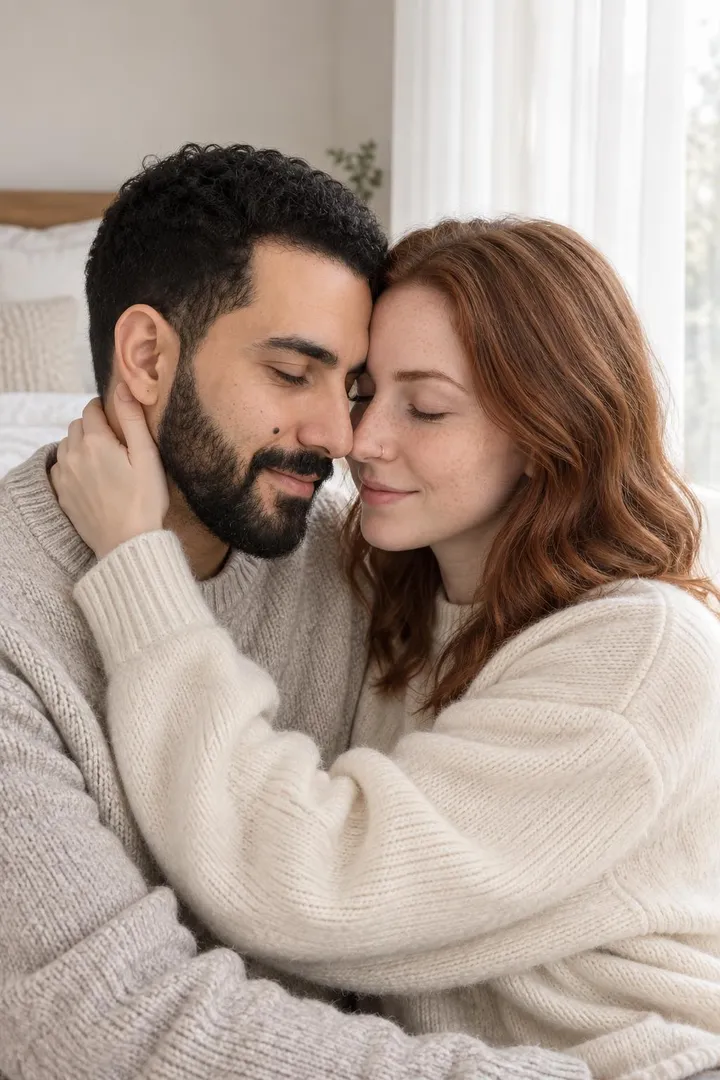
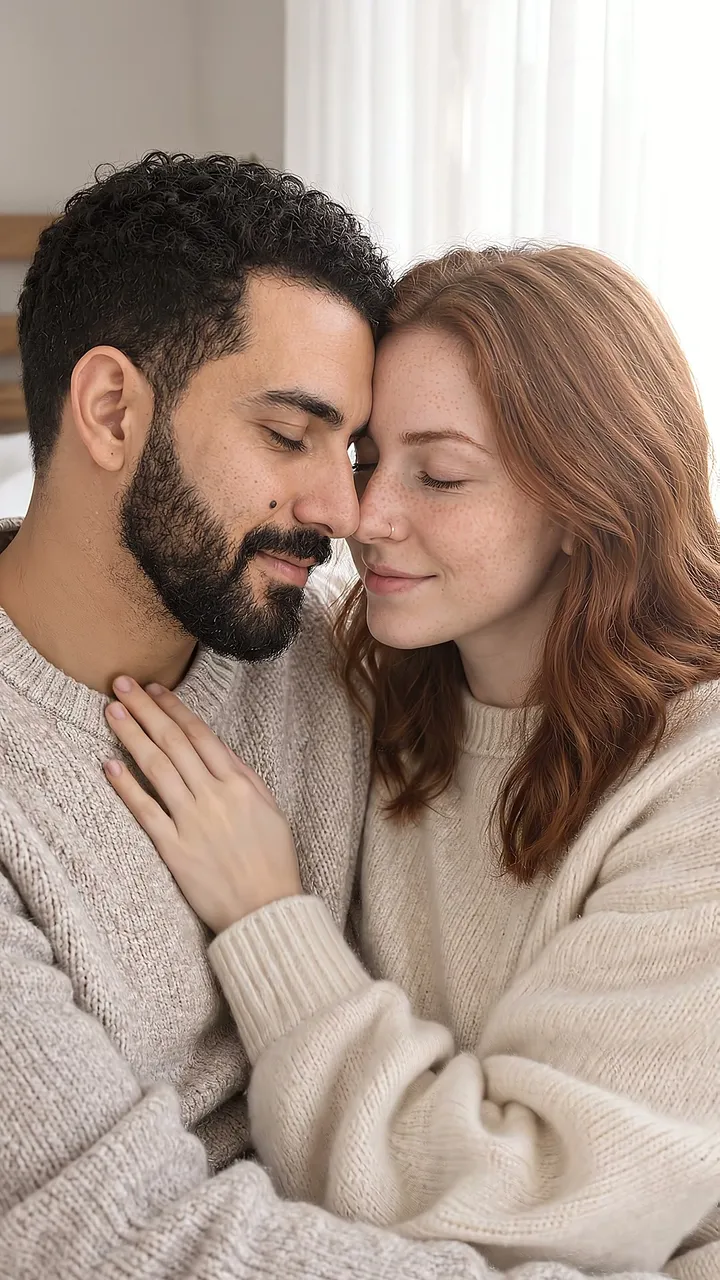
Each pair is real pipeline output: the still the film started from, and a frame taken from the clip it produced. The couple is a synthetic pair we use for every published example; yours starts from your own photo.
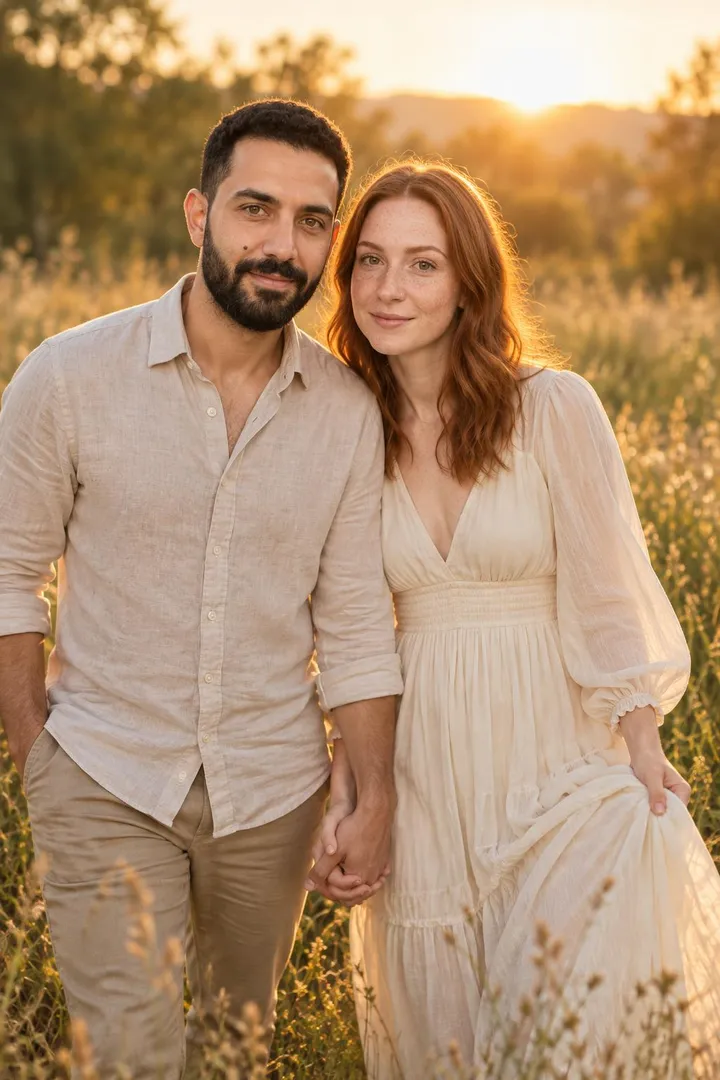 The photo
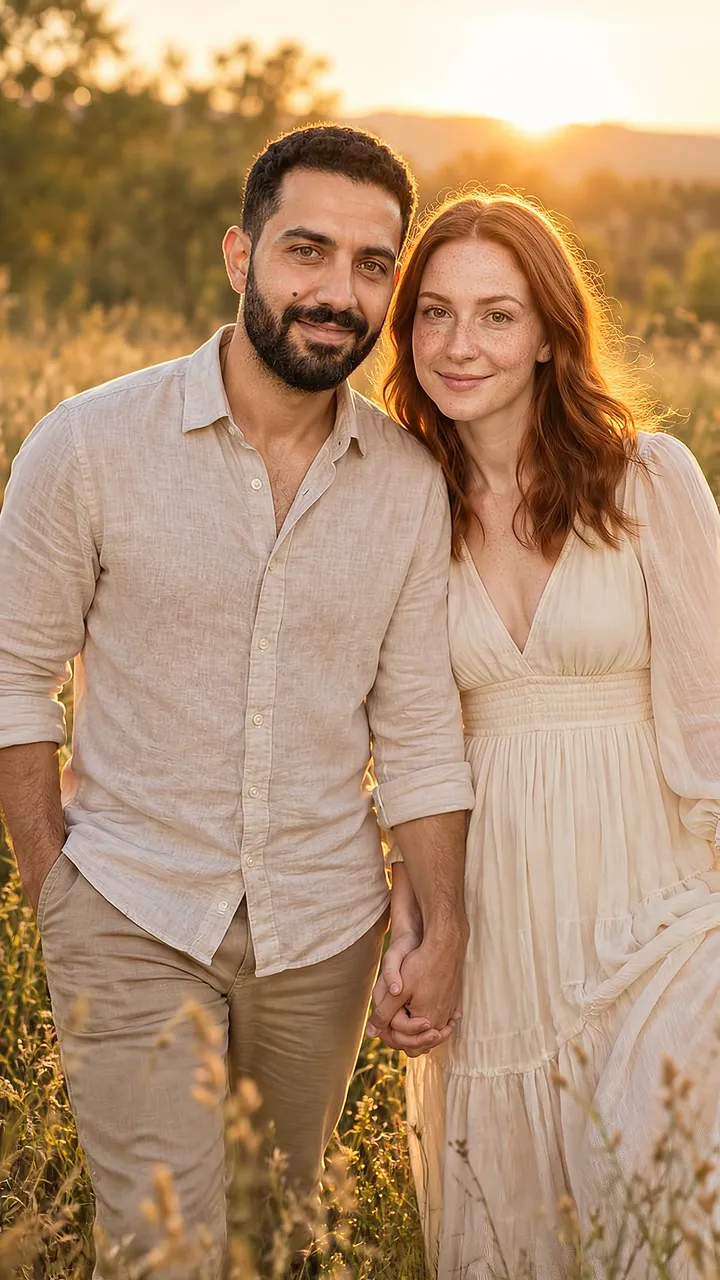 Frame from the film
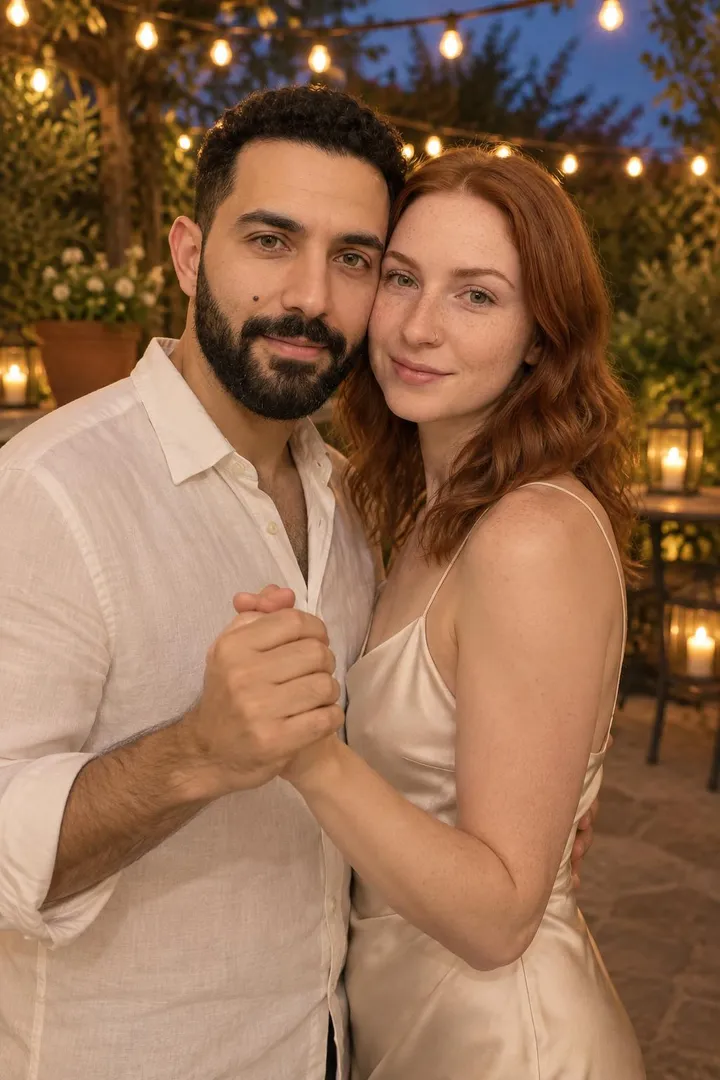 The photo
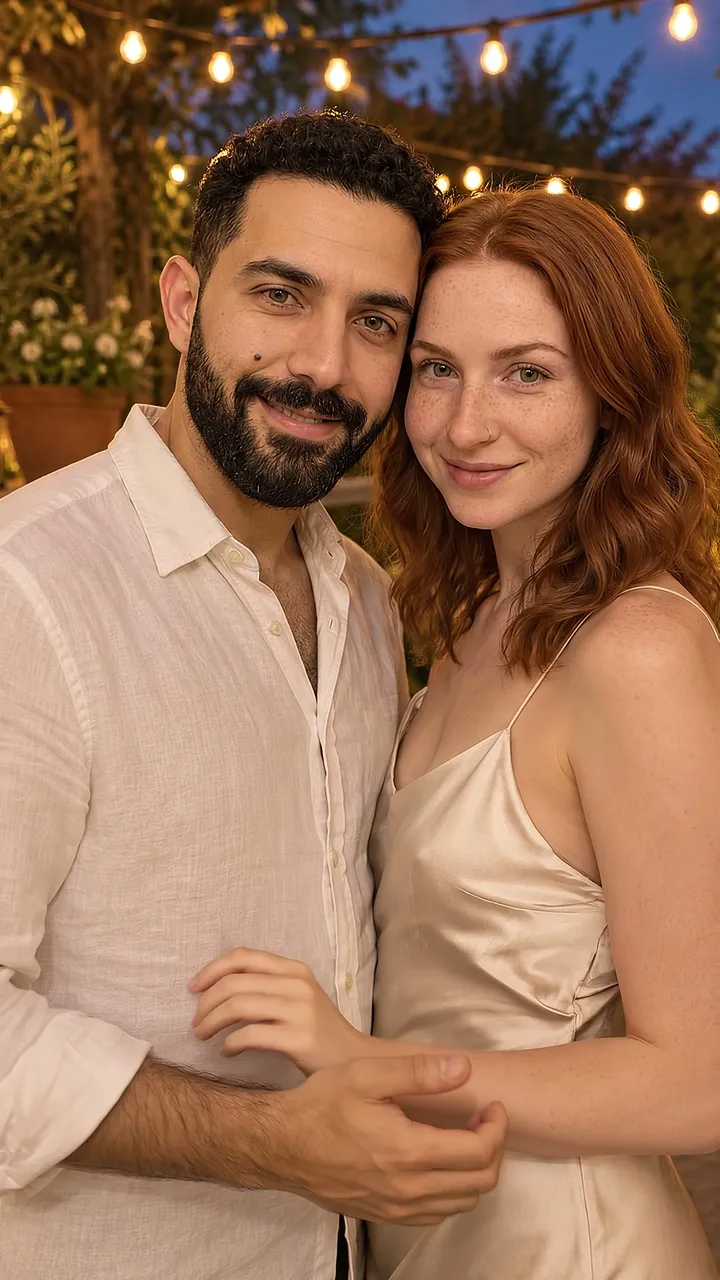 Frame from the film
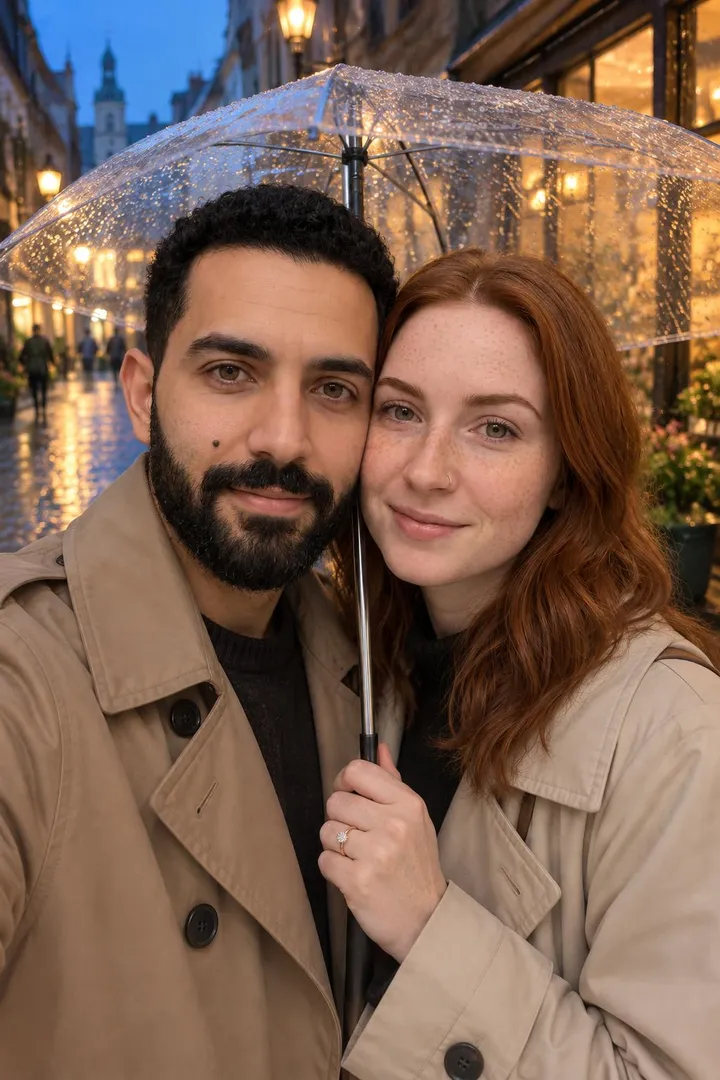 The photo
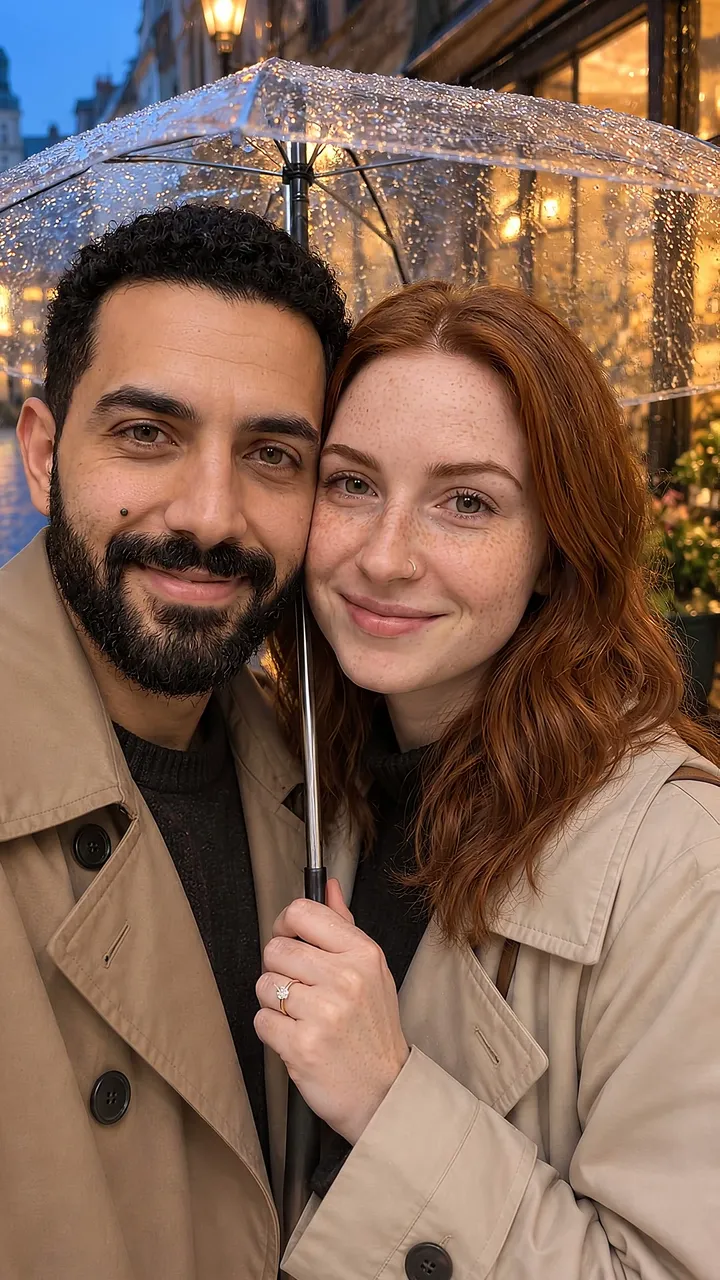 Frame from the film
 The photo
 Frame from the film
 The photo
 Frame from the film
Two more that need no new photo
- Two scenes, one story. A daytime scene into an evening one, like the sample film above: two photos, one arc, the end-card after the second.
- The styled-shoot opener. No couple photo you love? Make one free on the couple photo page first, then film the look you liked.
Wording for the end-card
The card needs four lines at most:
- Save our date — [Names] — [Date] — [City, State]
- [Names] are getting married. [Date] · [City] — invitation to follow.
- Mark your calendar: [Date]. We'll bring the rest. — [Names]
Two rules: spell the date out (numbers-only formats read ambiguously abroad), and say "invitation to follow" so nobody treats the video as the invite. Names and dates render as real typography on the end-card — never AI-drawn lettering — so they stay crisp at any size.
Sending season: save-the-dates typically go out 6–9 months before the date (8–12 for destination weddings) — the checklist places yours on the calendar.
About the save-the-date video maker: one photo becomes an animated save-the-date
A save-the-date has one job — make the date unforgettable — and motion does that job better than paper. WedGenie's save-the-date maker starts from a single photo of the two of you (a real one, or one made with the AI engagement photo studio) and brings it to life as a short animated clip, closing on an end-card with your names and your date set in real typography. That last detail matters: like everything WedGenie prints or renders, your names and date are never drawn by an image model — they are set in actual typefaces on the end-card, so the one piece of information the video exists to deliver is always crisp and correct. The result is a file made for the ways people actually announce now: the group chat, the story post, the wedding website header.
- ✓Motion gets replayed; paper gets filed
- ✓Names and date always crisp — real typography
- ✓One photo is all it takes
- ✓Yours to download and send anywhere
Who the Save-the-Date Video Maker is for
Keep planning
More free wedding tools
AI Couple Photo Maker: Beautiful Couple Photos From the Ones You Already Have
AI couple photo maker: turn one casual photo of the two of you into a styled couple portrait — golden hour, a city rooftop, falling snow, the beach. Free preview on the page, no sign-up; full resolution with free trial generations.
AI Wedding Photo Generator
AI wedding photo generator: turn everyday photos of you two into styled wedding portraits — the venue, the attire, the golden-hour first look — free to try with your own photos.
AI Pre-Wedding Photoshoot
The pre-wedding shoot tradition, reimagined: styled couple portraits in grand locations — palaces, coastlines, city rooftops — generated from your own photos.
Save-the-Date Video Maker: One Photo Becomes an Animated Save-the-Date — questions couples ask
You pick one photo of the two of you — a real photo or one generated with the AI engagement photo studio — and the studio animates it into a short clip, ending on a designed card with your names and wedding date. You choose the photo and the wording; the Genie handles the rest in chat.
Continue with the Genie
This tool is one small piece of WedGenie — an AI wedding planner that researches real vendors, tracks your checklist and budget, and remembers everything between conversations.
Plan my wedding with the Genie →