

AI Wedding Photo Generator
AI wedding photo generator: turn everyday photos of you two into styled wedding portraits — the venue, the attire, the golden-hour first look — free to try with your own photos.
Upload a few everyday photos of the two of you, describe the wedding you are imagining — the venue, the light, the attire — and the WedGenie studio generates styled wedding portraits of you both, saved straight to your Wedding Board. Start in the chat, free, with trial generations included.
Free preview from one photo
One casual photo of the two of you, a style, about twenty-five seconds. No account. The preview is small and watermarked; the full-resolution version is one sign-up away.
Style
One free preview a day per device. Your photos are used only to make this preview and are not stored.
Your preview appears here. Real faces, a new scene, your chosen light.
How to use the AI Wedding Photo Generator
Try it free on this page
One casual photo of you two, a style, a watermarked preview in about twenty-five seconds. No account.
Upload photos of you two
One clear photo of you together is enough — or a selfie of each of you. Add more if you have them.
Describe your day
Venue, season, attire, light — describe the wedding like you are briefing a photographer.
Get your portraits
Styled wedding portraits arrive in the chat and save to your Wedding Board. Iterate until it is your day.
This is one piece. The Genie plans the rest.
Tell it about your wedding once: it builds your Wedding Board, finds real vendors with sources, and makes the photos, invitations and films, all in the same chat.
AI Wedding Photo Generator examples
AI-generated examples made with the same image model the WedGenie studio runs — your results start from your own photos instead.
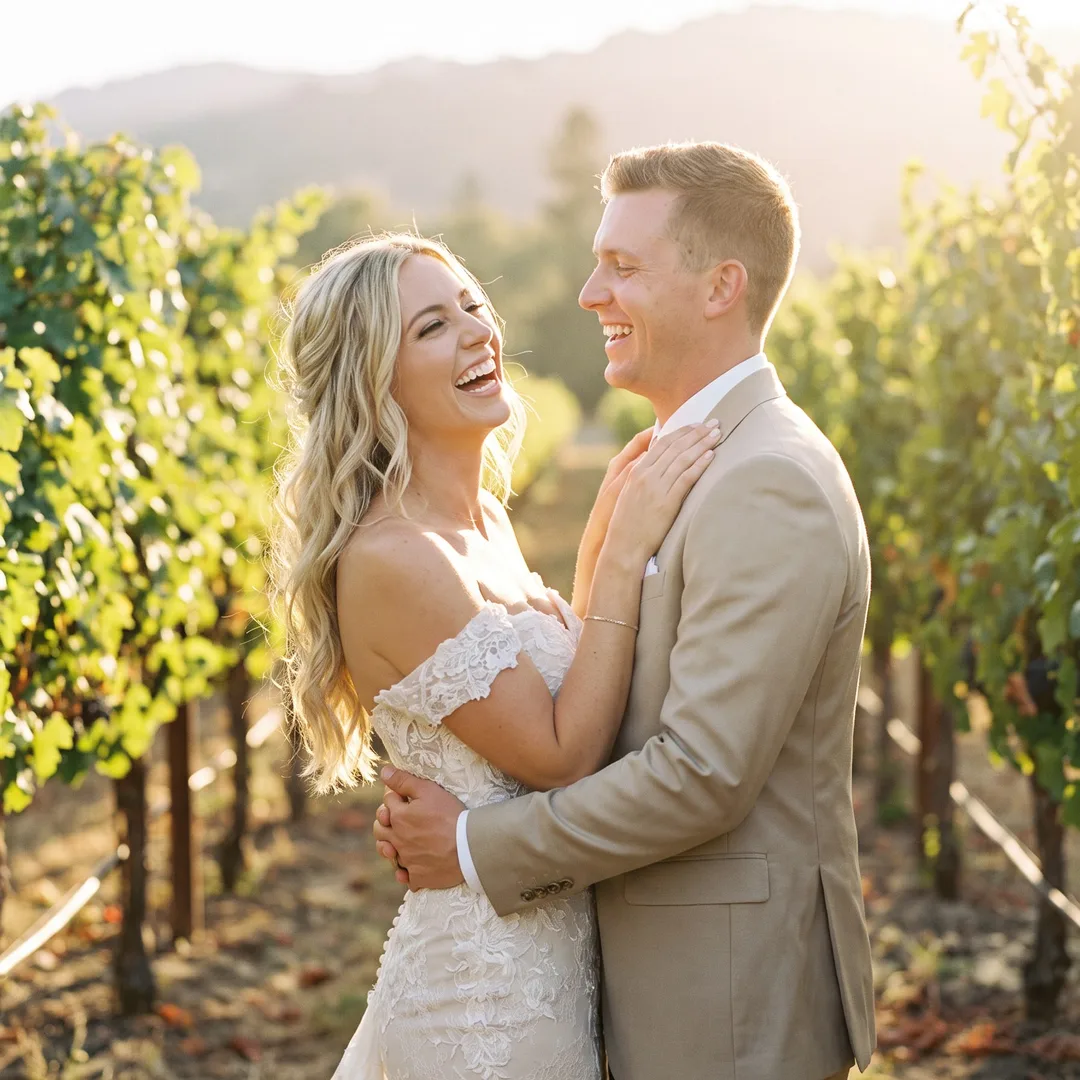
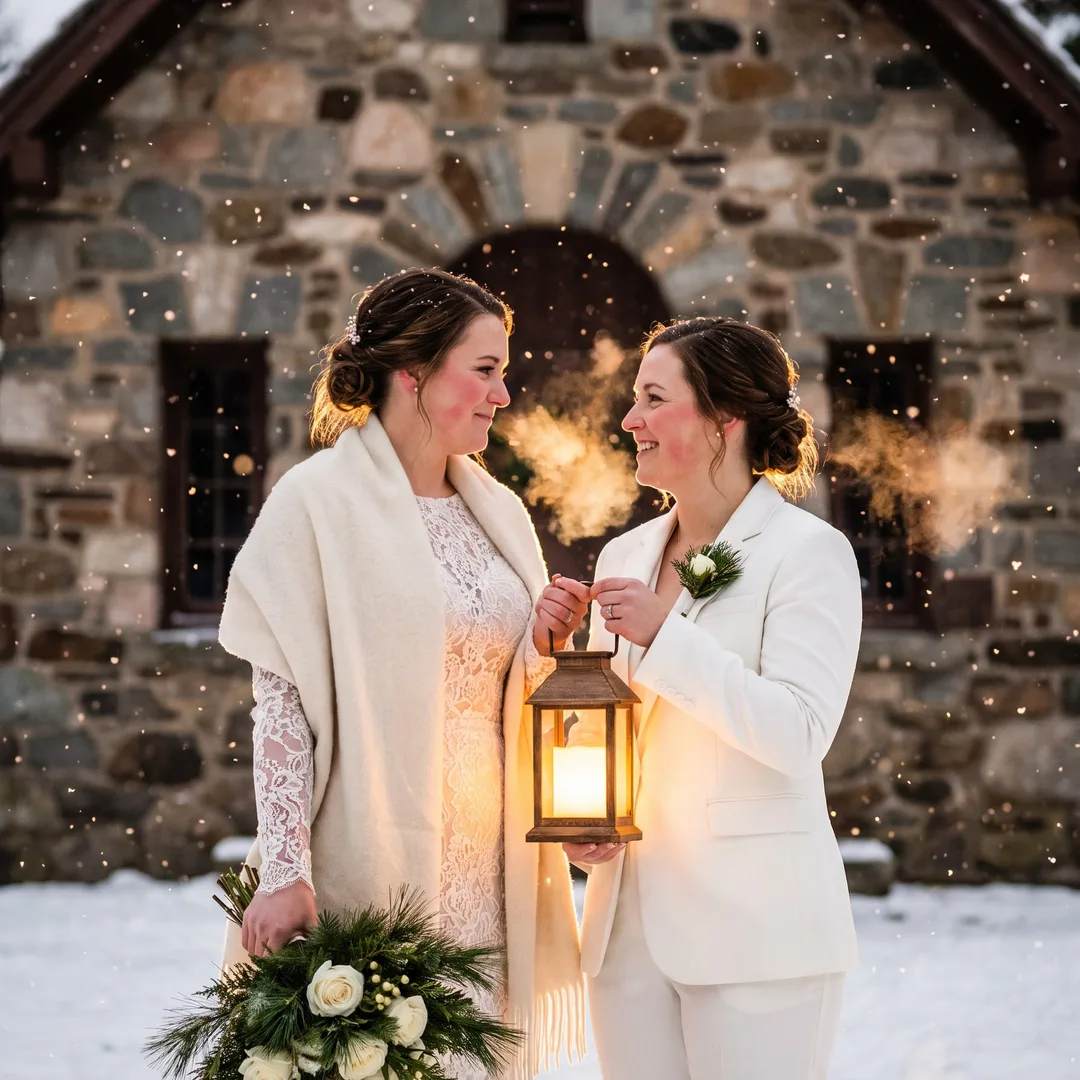
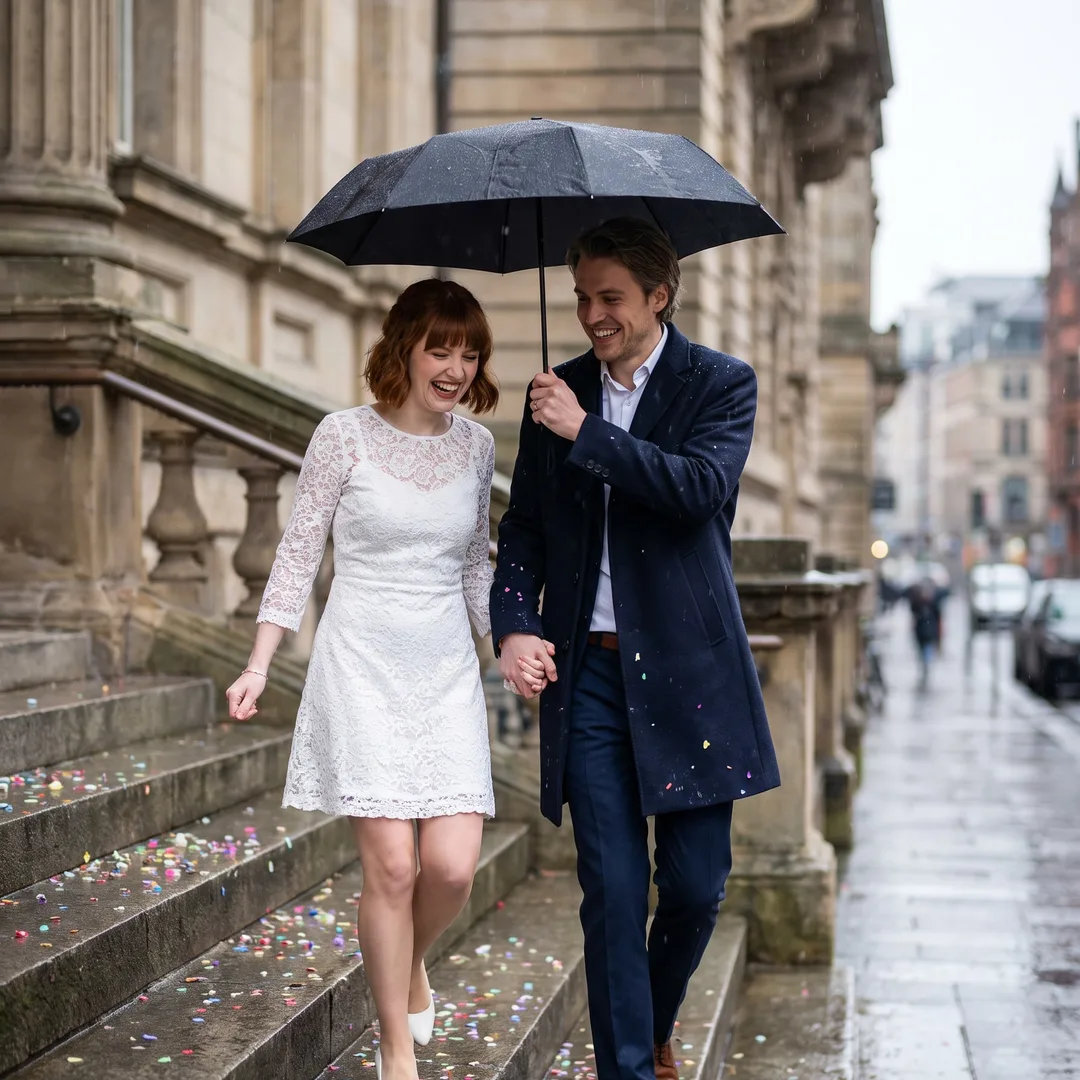
About the ai wedding photo generator
Every couple planning a wedding is planning around pictures they have not seen yet: the venue mood board, the attire question, the wedding website that needs a hero image months before the photographer delivers a single frame. WedGenie's wedding photo studio works from photos you already have. Upload a few clear pictures of each of you, describe the wedding you are imagining — a vineyard ceremony at sunset, a candlelit ballroom first dance, a city-hall elopement in the rain — and the studio generates styled wedding portraits of the two of you inside that day. It is not a replacement for your wedding photographer; nothing is. It is the way to see yourselves in the day you are building while you are still building it — for the website, the invitation suite, the seating-chart sign, and the simple joy of the preview. Results land in your chat and save to your Wedding Board.
- ✓See your wedding look months early
- ✓Any venue or style, no travel, no booking
- ✓Try it free with your own photos
- ✓Everything saved to your Wedding Board
Who the AI Wedding Photo Generator is for
Keep planning
AI Couple Photo Maker
Not planning a wedding? The same studio, for the two of you.
Open →AI Engagement Photos
The announcement pictures — same studio, earlier chapter.
Open →Save-the-Date Video Maker
Turn the favorite photo into a moving save-the-date.
Open →AI Wedding Video Maker
The portraits, animated into a short film.
Open →Wedding Dress Try-On
See yourself in the dress before the fittings.
Open →Chat with the Genie
The studio lives in the chat — start here.
Open →More free wedding tools
AI Couple Photo Maker: Beautiful Couple Photos From the Ones You Already Have
AI couple photo maker: turn one casual photo of the two of you into a styled couple portrait — golden hour, a city rooftop, falling snow, the beach. Free preview on the page, no sign-up; full resolution with free trial generations.
AI Pre-Wedding Photoshoot
The pre-wedding shoot tradition, reimagined: styled couple portraits in grand locations — palaces, coastlines, city rooftops — generated from your own photos.
Anniversary Photoshoot: Six Ideas, and a Free Preview From the Photos You Already Have
Milestone anniversary portraits from photos you already have — first anniversary to silver and gold, vow renewals, and the frame-worthy gift.
AI Wedding Photo Generator — questions couples ask
One clear photo of the two of you together is enough — or one clear photo of each of you. Front-facing, face large in the frame, good lighting, no heavy sunglasses or extreme angles. Everyday phone selfies are perfect; the studio handles the wedding part.
Continue with the Genie
This tool is one small piece of WedGenie — an AI wedding planner that researches real vendors, tracks your checklist and budget, and remembers everything between conversations.
Plan my wedding with the Genie →